SmartCalcBoxPrecision Free SEO Tools
Home
All Tools
On-Page SEOTechnical SEOContent ToolsGuides & BlogAboutContact
  1. Home
  2. Tools
  3. Metadata and SERP Tools
  4. SERP Snippet Preview Tool
Metadata and SERP Tools
PopularAdded: 2026-03-14

Google SERP Snippet Preview Tool

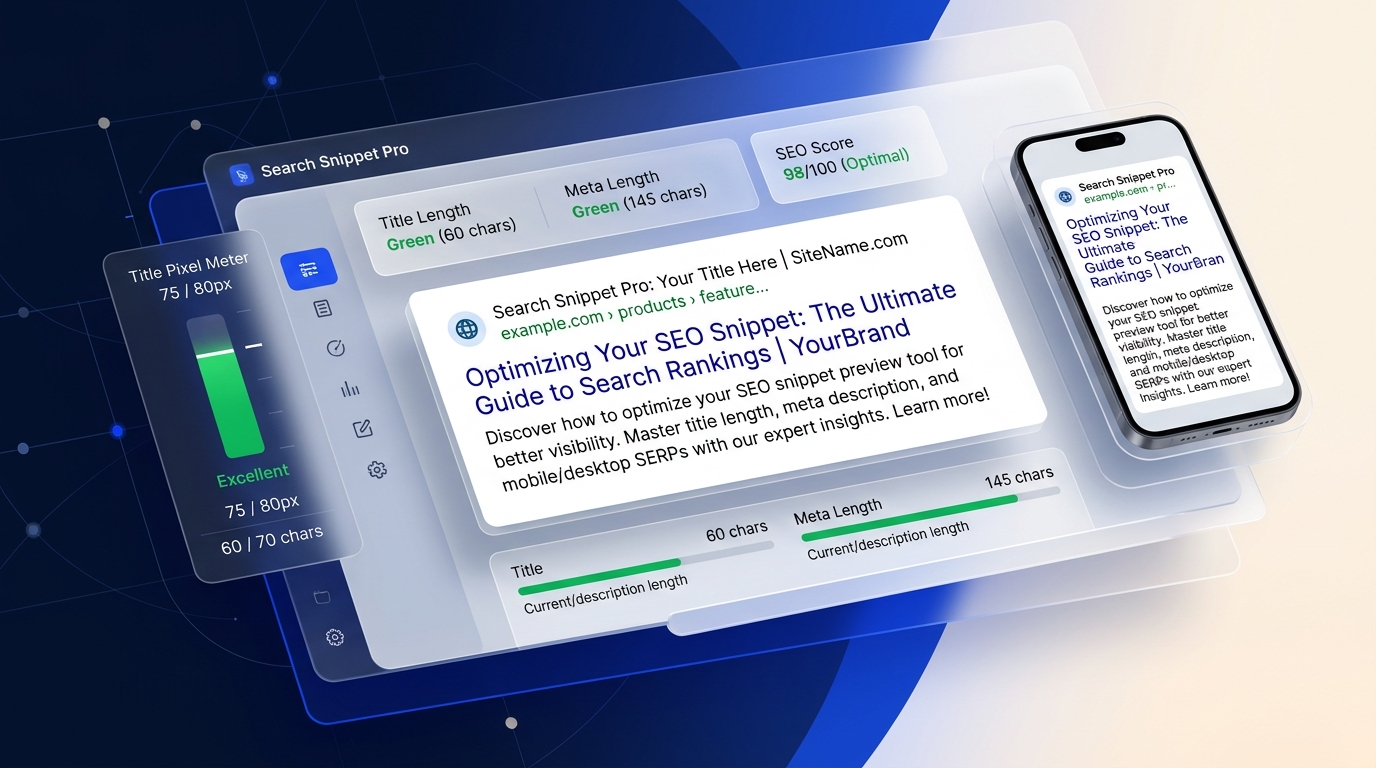
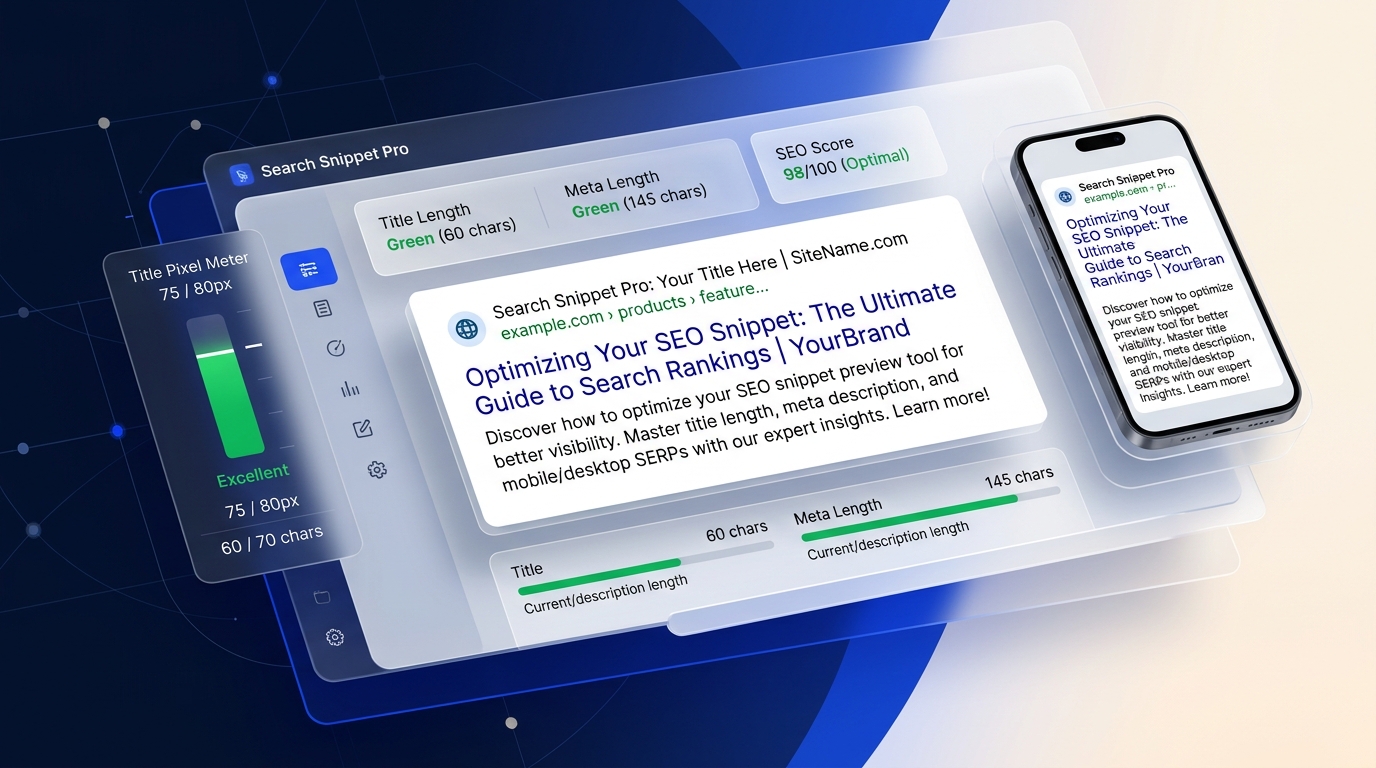
Experience how your target webpage appears on Google's search result pages before publishing. Toggle between desktop and smartphone viewports, customize breadcrumbs, test star ratings, and verify headline truncation boundaries.
100% Free Forever•Zero Sign-up Required•Client-Side Privacy
SERP Snippet Preview Tool

Configure Snippet Parameters

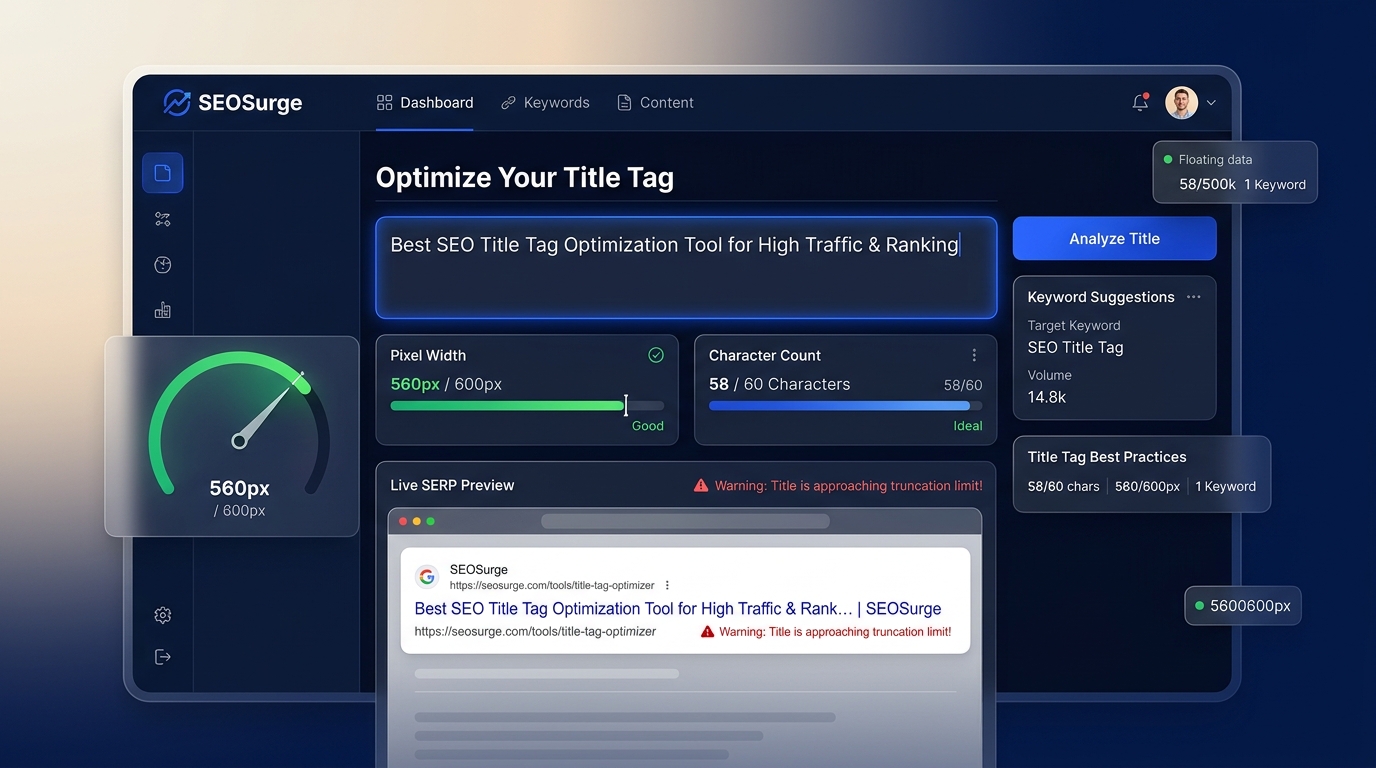
58 / 60 characters
144 / 160 characters
S
SmartCalcBoxsmartcalcbox.com › tools

Free SEO Tools & Website Analysis Utilities | SmartCalcBox

Rating: 4.9•128 reviews

Apr 18, 2026 —Improve your search engine rankings and fix technical errors. Use our free suite of SEO calculators, sitemap validators, and meta tag analyzers.

Core Features of the SERP Snippet Preview Tool

Faithful reproduction of modern Google SERP styling (fonts, colors, favicon placement, line heights).
One-click switch between Desktop and Mobile Google results.
Interactive toggles for rich review stars, publication dates, and breadcrumbs.
Simultaneous character and pixel width meters for both title and description.
Export ready-to-use HTML meta tags directly.

How to Use the SERP Snippet Preview Tool Step-by-Step

1

Enter Page Details

Provide your URL, Title Tag, and Meta Description.

2

Configure Rich Elements

Optionally toggle Star Ratings (e.g. 4.9/5) or a publication date to inspect rich result formatting.

3

Toggle Viewports

Switch between Desktop (wide) and Mobile (stacked) cards to check for truncation.

4

Export HTML

Copy the generated HTML head markup directly into your project.

Frequently Asked Questions

Does this preview tool guarantee Google will display this exact snippet?

No. This tool simulates Google's standard layout and truncation thresholds. Google may alter titles or substitute descriptions depending on user search queries and device screens.

How can I get star ratings to show in Google search results?

Star ratings require valid schema markup (such as AggregateRating within Product, Course, or Recipe JSON-LD) and compliance with Google's structured data guidelines.

Related Educational Guides

Diagram illustrating Google search result snippet previews with rich snippets and mobile viewports
metadata serp•6 min read

How to Preview Your Search Result Snippet

Visualizing how your webpage appears on Google search results pages prevents embarrassing truncation errors and maximizes organic click-through rates.

Alex MercerRead Guide
Illustration showing search snippet title tag optimization and pixel width meters
metadata serp•6 min read

How to Write SEO Title Tags That Describe Your Page Clearly

Title tags are your website's digital storefront signboards in search engine results. Discover how to balance keyword placement, pixel width constraints, and compelling copywriting.

Alex MercerRead Guide
Developer code editor interface demonstrating JSON-LD brackets, syntax trees, and validation checkmarks
technical seo•7 min read

JSON-LD Structured Data: A Practical Beginner's Guide

Demystify JSON-LD syntax. Learn how curly braces, arrays, entity graphs, and Schema.org properties translate into rich search snippets.

Alex MercerRead Guide

Related SEO Tools

All 25 Tools →
metadata serpPopular

Title Tag Length Checker

Check title tag character counts and pixel width against Google's desktop and mobile snippet thresholds.

Real-time character count and pixel width calculation based on Arial 20px letterforms.
Visual progress bar with optimal (50-60 characters) and warning indicators.
Free • Client-sideOpen Tool
metadata serpEssential

Meta Description Length Checker

Calculate meta description character lengths and pixel dimensions to keep descriptions concise and compelling.

Calculates exact character count and approximate mobile/desktop pixel widths.
Visual safety gauge highlighting the 140-160 character sweet spot.
Free • Client-sideOpen Tool
technical seoPopular

Schema Markup Generator (JSON-LD)

Generate valid Schema.org JSON-LD structured data for Articles, FAQs, Organizations, and Products.
Supported Schema types: Article / BlogPosting, Organization, LocalBusiness, FAQPage, BreadcrumbList, and Product.
Dynamic interactive form fields tailored to the chosen entity type.
Free • Client-sideOpen Tool
100% Free & Fast

Zero subscriptions, paywalls, or daily quotas.

Client-Side Privacy

Your text and audit inputs remain in your browser.

Validated Protocols

Built strictly to Schema.org and Google Search standards.

SmartCalcBox

Smarter SEO. Better Websites. Clearer Results. SmartCalcBox provides free, production-ready website analysis calculators, technical validators, and content optimization utilities for webmasters, developers, and publishers.

Free web utilities•100% Privacy•Zero Signup

Tool Categories

  • On-Page SEO Tools
  • Technical SEO Tools
  • Content Optimization Tools
  • Metadata and SERP Tools
  • URL and Website Utilities
  • View All 25 Tools →

Guides & Articles

  • Blog & SEO Library
  • Title Tag Best Practices
  • XML Sitemap Protocol
  • Robots.txt Architecture
  • New Website SEO Checklist
  • HTML Sitemap

Company & Legal

  • About SmartCalcBox
  • Editorial Team & Authors
  • How We Build & Test
  • Editorial Policy
  • Privacy Policy
  • Terms of Service
  • Cookie Policy
  • Disclaimer
  • Contact Us
© 2026 SmartCalcBox. All rights reserved. Free web diagnostic utilities.
Privacy•Terms•Sitemap