How to Use Free SEO Tools in a Website Audit
Enterprise SEO software suites cost hundreds of dollars a month. Learn how to perform an exhaustive, professional SEO audit using free, focused tools.

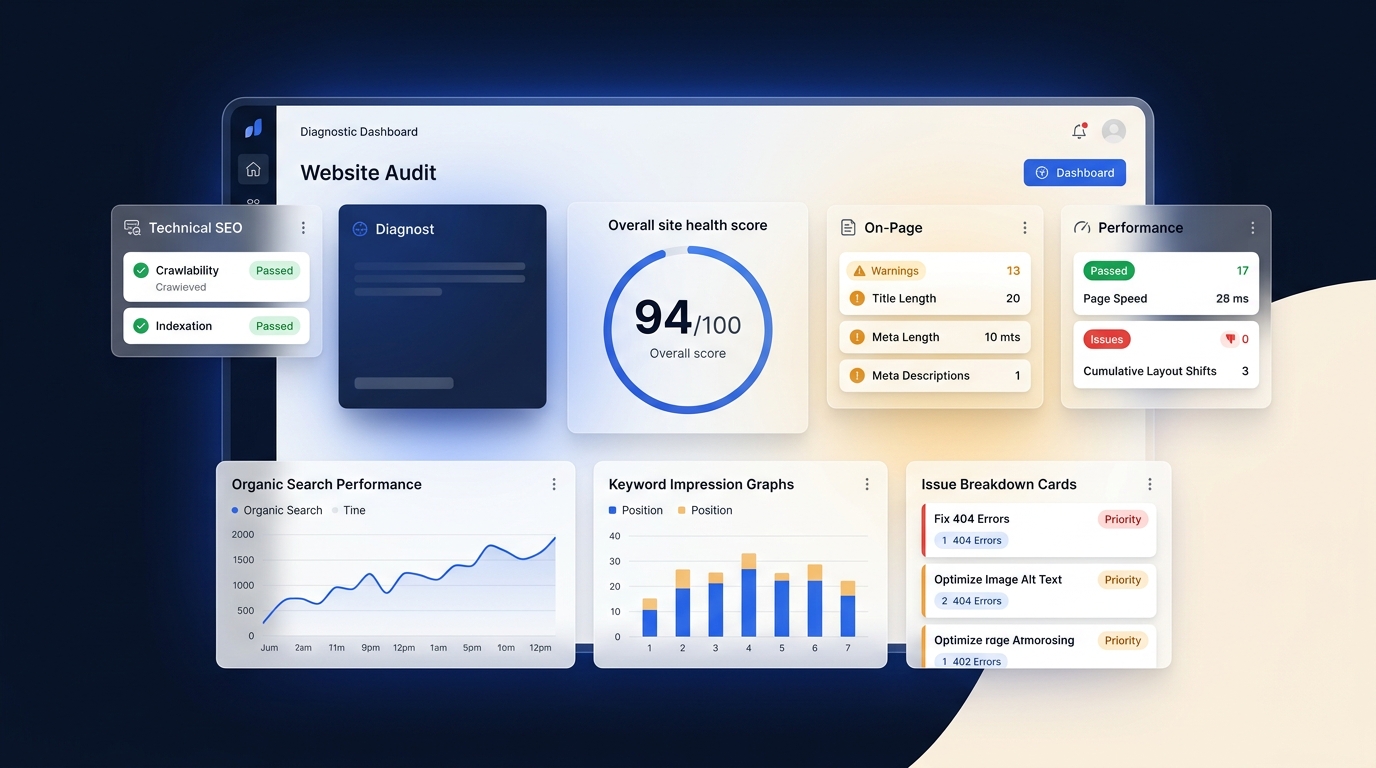
Busting the Expensive Subscription Myth
A common misconception among new website owners and small business entrepreneurs is that achieving strong search engine rankings requires an enterprise SEO software subscription costing upwards of $150 to $300 every month.
While enterprise suites have their place for large agencies managing hundreds of client domains, the underlying diagnostic calculations of SEO remain open and accessible to everyone.
Search engines do not inspect pages through proprietary third-party metrics; they evaluate standard HTML tags, HTTP status codes, XML schemas, structured data, and content clarity. By assembling a lightweight toolkit of focused, purpose-built utilities, you can execute a professional-grade website audit with zero recurring software fees.
Phase 1: Auditing Crawlability and Indexing
The first phase of any audit is confirming that search engine spiders can discover and crawl your pages without friction:
- Verify Robots Directives: Test your
robots.txtfile using our Robots.txt Generator to ensure critical directories are not blocked. - Validate XML Sitemaps: Paste your sitemap into our XML Sitemap Validator to catch unclosed XML tags, broken links, or syntax errors.
- Audit Meta Robots Directives: Use the Meta Robots Tag Generator to confirm that noindex directives are only present on pages meant to stay private.
Phase 2: Auditing On-Page Metadata and Headings
Next, examine how individual pages present their semantic structure:
- Title Tag Lengths: Test titles in the Title Tag Length Checker. Ensure character counts fall between 50 and 60 characters and horizontal width remains under 580 pixels.
- Meta Descriptions: Verify that descriptions range between 140 and 160 characters with clear action prompts using the Meta Description Length Checker.
- Heading Hierarchies: Paste HTML source into our Heading Structure Checker to verify a single descriptive H1 and check that no heading levels are skipped.
- Canonical URLs: Confirm every unique URL carries a self-referencing absolute HTTPS tag with the Canonical Tag Generator.
Phase 3: Auditing Content Quality, Readability, and Density
Content must be clear, well-structured, and written for human readers:
- Readability Scoring: Test body text in our Readability Checker. Aim for a Flesch Reading Ease score between 60 and 70.
- Word & Reading Duration Metrics: Use the Word Counter to calculate exact reading time and sentence complexity.
- Keyword Density & N-Gram Distribution: Analyze 1, 2, and 3-word phrase frequencies in our Keyword Density Checker to identify unintended repetition.
- Image Accessibility: Audit image alt attributes with the Image Alt Text Checklist Tool.
Phase 4: Auditing Structured Data and SERP Appearance
Verify that your website presents rich, compelling listings in search results:
- JSON-LD Schema Validation: Test structured data in our JSON-LD Syntax Validator.
- Schema Generation: Build valid schema for Articles, FAQs, and Organizations using our Schema Markup Generator.
- Desktop & Mobile SERP Previews: Simulate how your snippets appear in Google results using the SERP Snippet Preview Tool.
- Social Sharing Cards: Test Open Graph and Twitter Card tags with our Open Graph Generator and Twitter Card Generator.
Phase 5: Auditing HTTP Response Headers and Security
Finally, inspect server response behavior:
- Inspect HTTP Response Headers: Test URLs in our HTTP Header Inspector to verify status codes and security flags (HSTS, CSP, X-Frame-Options).
- Trace URL Redirects: Use our URL Redirect Checker to identify and flatten redirect chains.
- Sanitize Permalinks: Build clean, search-friendly slugs with our SEO URL Slug Generator.
Title Tag Length Checker
Check title tag character counts and pixel width against Google's desktop and mobile snippet thresholds.
Heading Structure Checker
Inspect H1 through H6 heading hierarchies, detect skipped levels, and verify document outline integrity.
HTTP Header Inspector & Security Auditor
Inspect server HTTP response headers and audit critical security headers with pass/fail indicators.
Frequently Asked Questions
Can free tools match the accuracy of expensive paid platforms?
Yes. For technical checks like title pixel widths, XML parsing, JSON-LD syntax, HTTP header inspection, and readability scoring, free specialized tools often provide more granular and immediate diagnostics than bloated enterprise suites.
How long does a manual audit using free tools take?
For a typical small-to-medium website (under 100 pages), an audit following this framework can be completed in approximately 2 to 4 hours.
What is the single most impactful fix found during an audit?
Resolving crawl blockers (such as accidental site-wide noindex tags or broken sitemaps) and optimizing title tags to prevent awkward SERP truncation typically yield the fastest improvements in search traffic.
About the Author: Alex Mercer
Lead Technical SEO Specialist & Web EngineerAlex is a web engineer and technical SEO specialist with over a decade of hands-on experience building web applications, optimizing site architectures, and resolving crawl and indexing challenges. He oversees tool development and technical accuracy across SmartCalcBox.
Related SEO Guides & Tutorials

How to Audit Basic On-Page SEO Issues
On-page issues quietly erode organic rankings. Discover our practical step-by-step framework for diagnosing and fixing foundational on-page SEO errors.

How to Find and Fix Common Technical SEO Errors
Technical errors silently prevent search engines from crawling and indexing your content. Discover how to diagnose and resolve the most common technical roadblocks.
A Practical SEO Checklist for a New Website
Launching a new website? Follow our battle-tested, practical SEO checklist to establish rock-solid technical foundations and accelerate organic indexing.